- Fair play
-
No cheating or unfair advantages: hacked clients, x-ray, kill aura, autoclickers, macros/scripts, etc.
- No exploiting bugs/dupes. If you find one, report it. Using it = ban.
-
Lunar Client (and similar QoL/performance clients) are allowed.
-
Litematica, and schematic-type mods are allowed
-
Minimap mods are allowed, but using them to find underground stuff you shouldn’t know about (ores, caves, bases) counts as cheating.
-
-
No griefing or stealing
-
Don’t break, steal, or mess with builds, containers, farms, or mobs that aren’t yours.
-
“Borrowing” without permission is stealing.
-
Unclaimed does not mean free to grief. Don’t trash areas just to troll.
-
-
Respect other players
-
No harassment, racism/slurs, hate speech, or targeted toxicity.
-
No threats, doxxing, or sharing personal info. Instant ban.
-
-
No scams or player traps
-
No scams: fake trades, fake shops, misleading deals, “drop party” traps, switching items last second, etc.
-
Scamming is still scamming, even if you didn’t use an “official” system (AH, trade menu, etc.). Any deal, trade, or drop that’s meant to trick someone is bannable.
-
No baiting or misleading players. No trapping players (including trapping to kill). No camping spawn, warps, portals, or exits.
-
-
Claims and building etiquette
-
Claim your base. Unclaimed stuff is at your own risk.
-
Don’t build right next to someone’s claim to block them in, block access, or annoy them. If asked to move, move.
-
No lag machines or intentionally laggy builds (entity spam, redstone clocks, etc.).
-
-
Chat rules
-
No spam, NSFW, or hate speech.
-
No advertising external servers/services.
-
In-game ads are allowed (Auction House listings, player warps, shops). Don’t flood chat.
-
PLAY.RHINOMC.NET
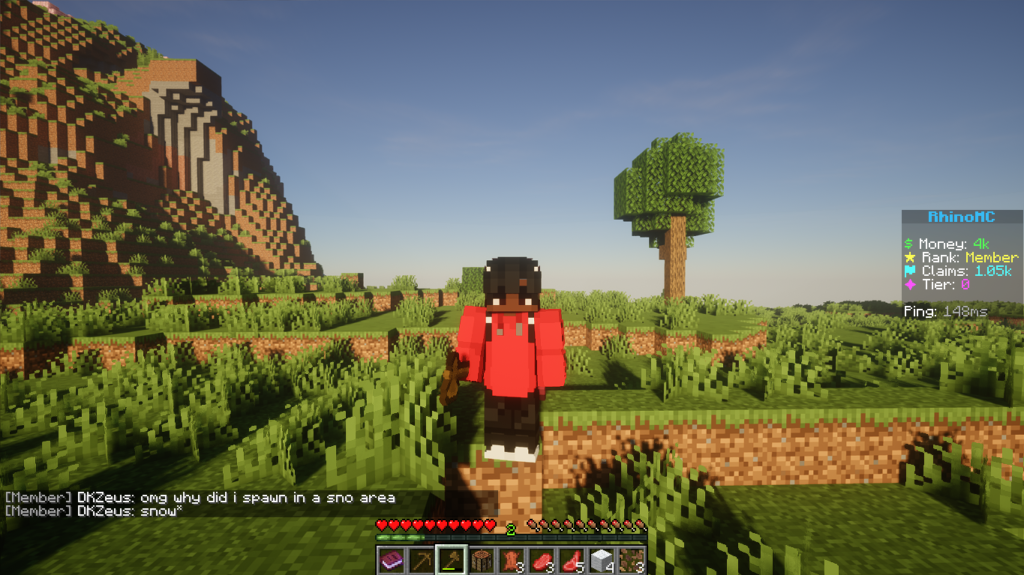
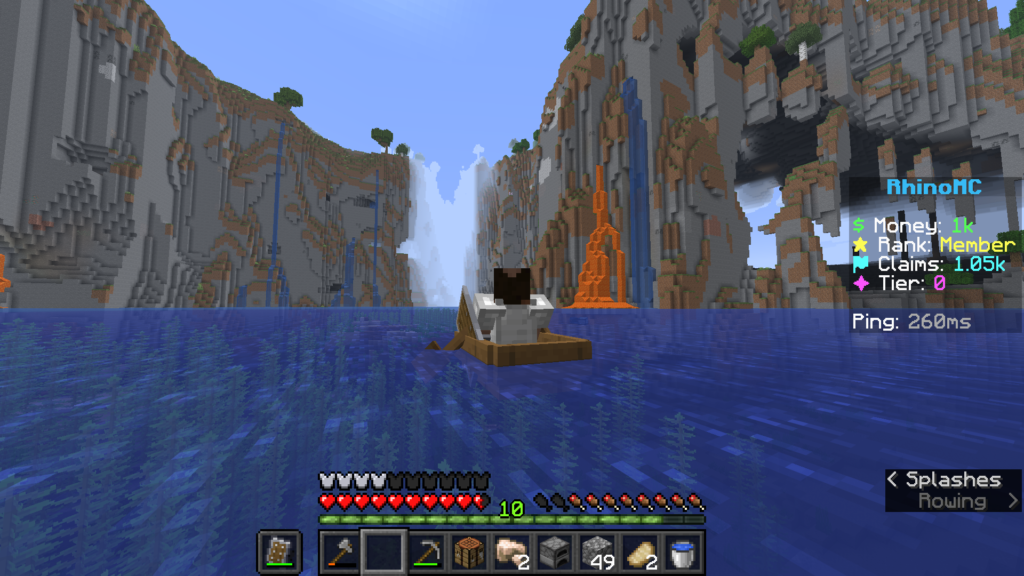
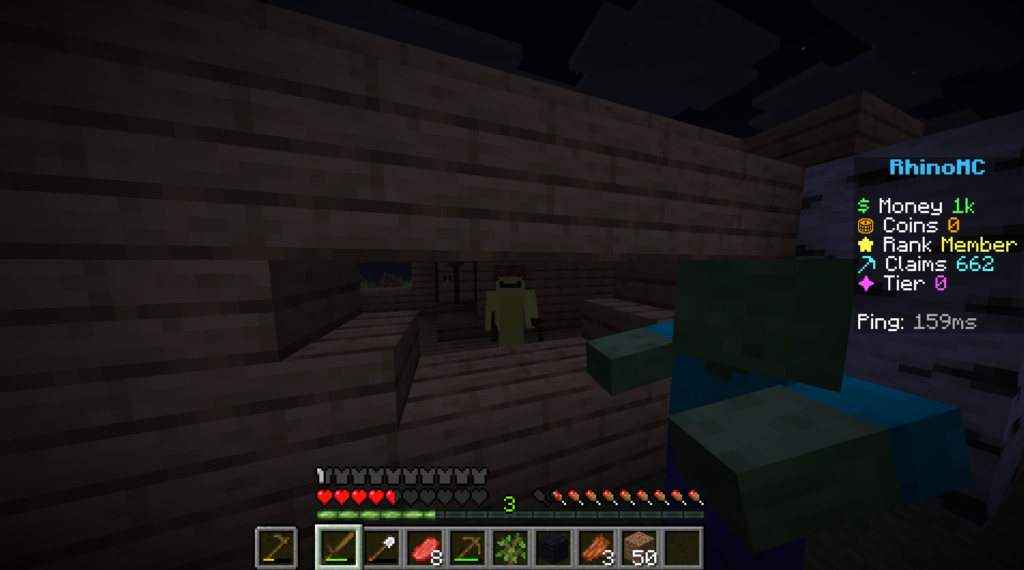
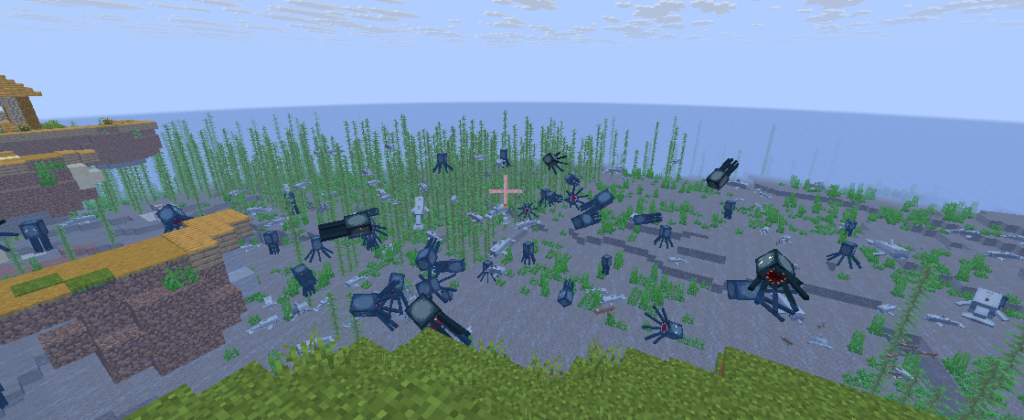
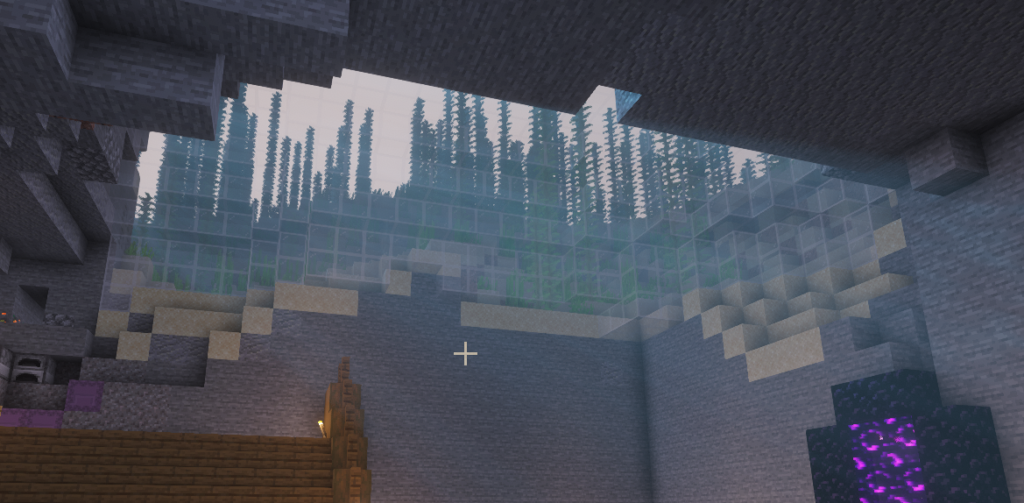
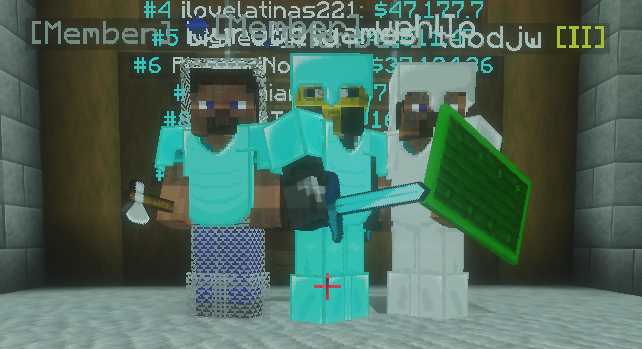
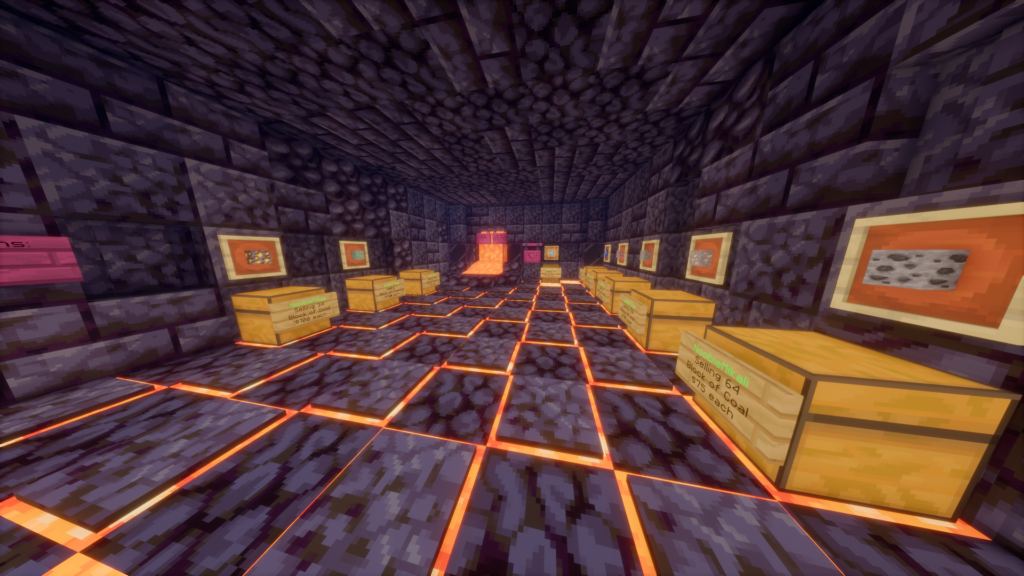
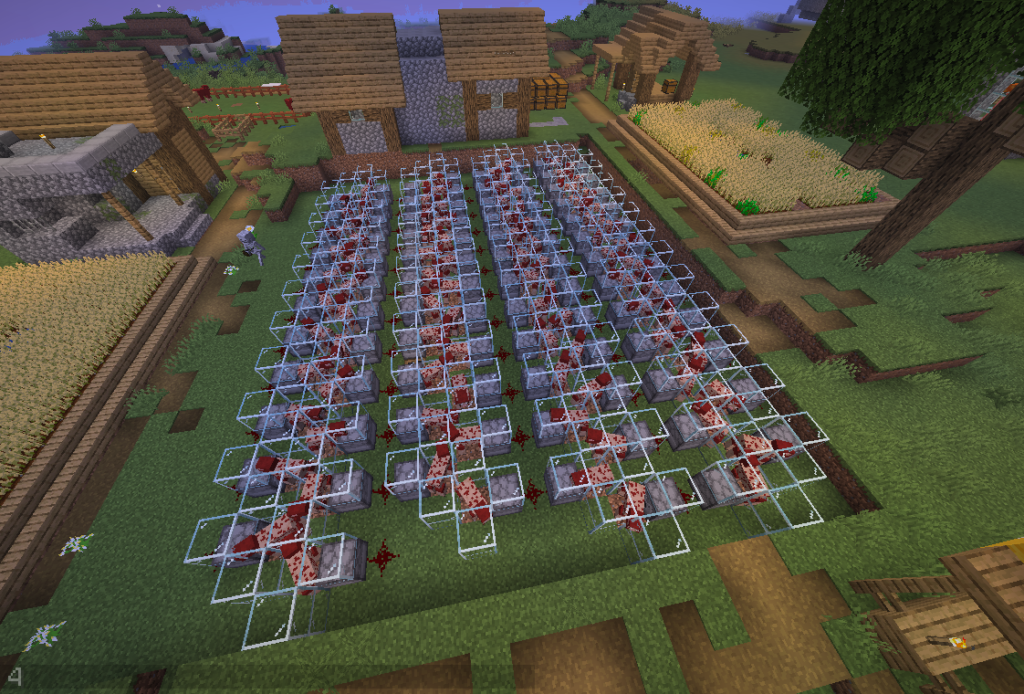
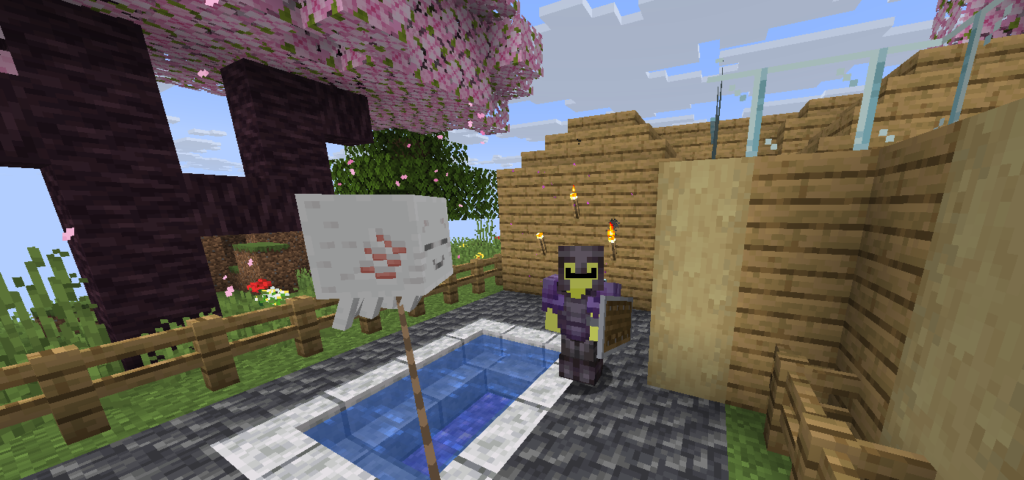
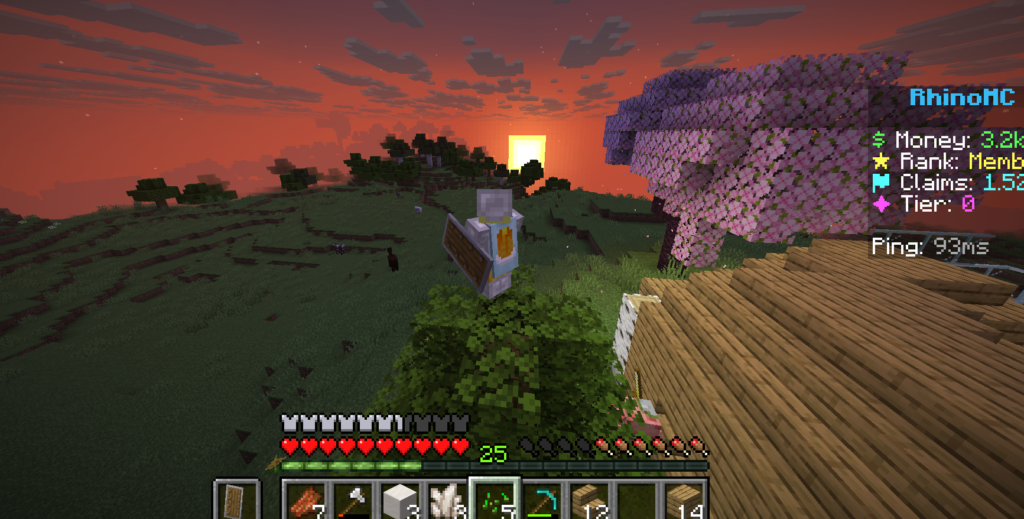
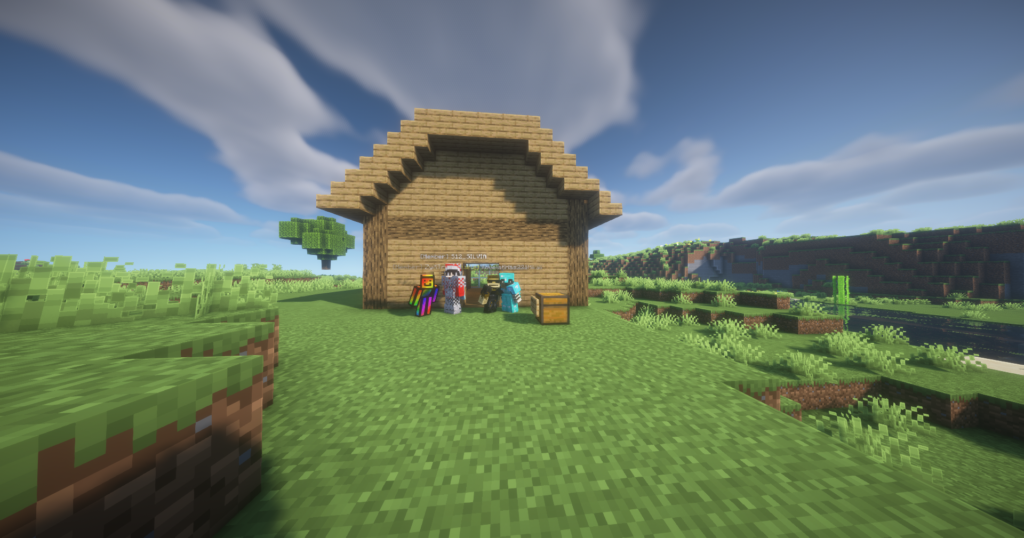
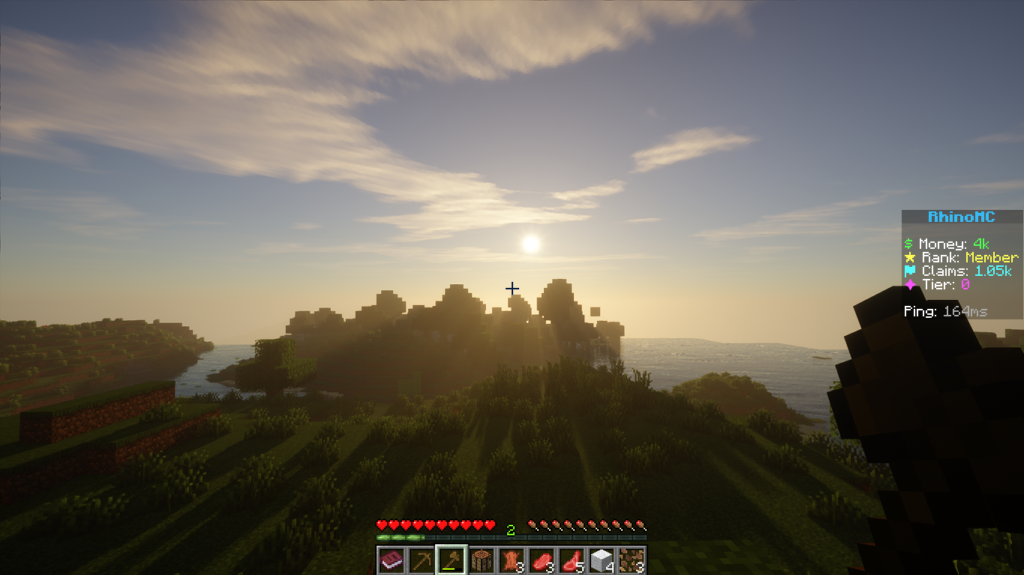
A simple but feature-rich, semi-modded SMP focused on community & economy
with regular events, active staff, and a chill survival experience.
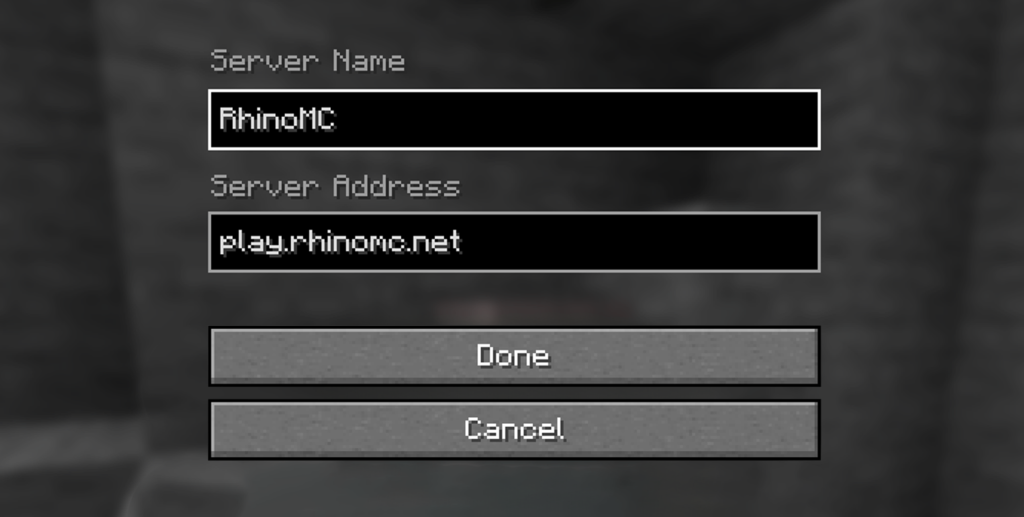
How to Join
- Click Multiplayer
- Click "Add Server"
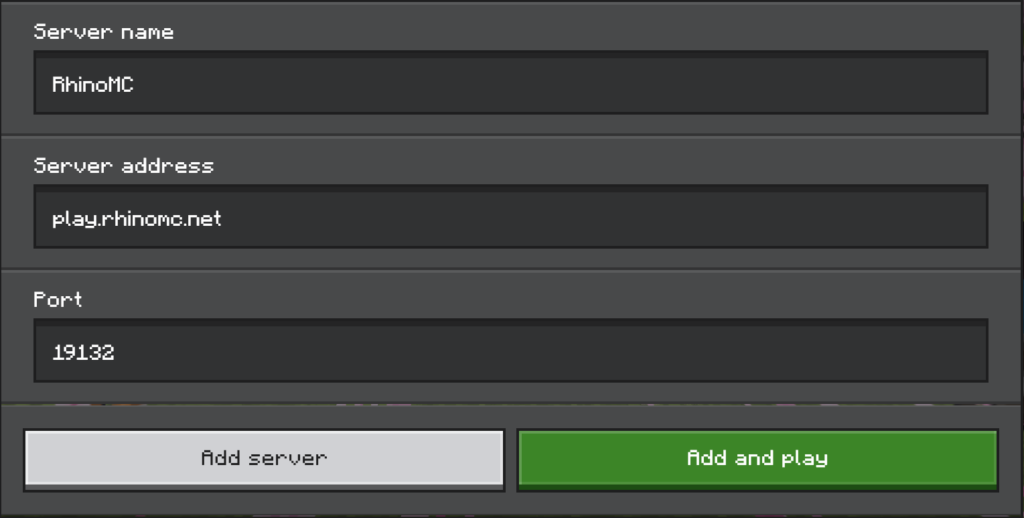
Fill out this info:
- Click "Add Server"
Fill out this info:
- Server Name: RhinoMC
- Server Adress: play.rhinomc.net

- Click Play
- Click Servers
- Click "Add server"
Fill out this info:
- Server Name: RhinoMC
- Server Adress: play.rhinomc.net
- Click Servers
- Click "Add server"
Fill out this info:
- Server Name: RhinoMC
- Server Adress: play.rhinomc.net
- Server Port: 8024
Official community
Join RhinoMC on Discord
Connect and socialize with the RhinoMC community! Get exclusive sneak peeks & giveaways, get notified for in-game events, new updates, uploads, and much more!

Image Gallery
RhinoMC
©2026 RhinoMC. All rights reserved.
GFXRhino is not affiliated with Mojang.